llms.txt Next.js App Router: A Route Handler That Builds the File From Your CMS
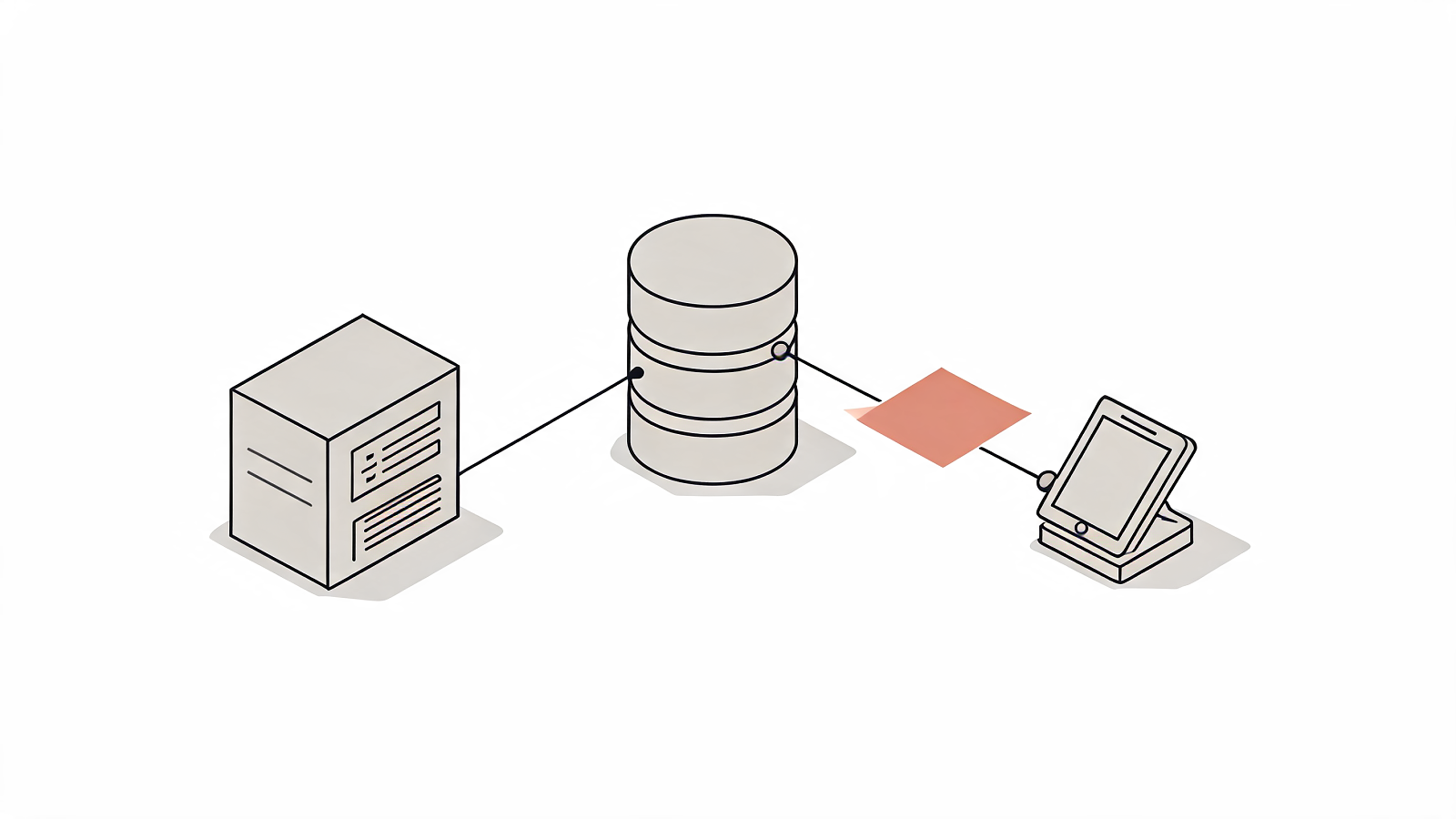
Most Next.js guides on llms.txt, the markdown index a site publishes at its root so agents can read its structure without crawling every page, tell you to drop a text file in /public and move on. That file describes a site that no longer exists the moment an editor publishes. The llms.txt Next.js App Router answer is a route handler at app/llms.txt/route.ts, the same mechanism the framework already gives you for robots.txt and sitemap.xml. In vercel/next.js discussion #80692, opened on 19 June 2025, a Next.js collaborator answered a request for an llms.js file convention by pointing at exactly this handler. Below you get the working handler, four delivery modes ranked by staleness, the character budget arithmetic, and the headers that decide whether a crawler treats your output as text.
Key takeaways:
- Next.js changed the default caching for
GETroute handlers from static to dynamic in v15.0.0-RC. A handler exporting neitherdynamicnorrevalidateruns your CMS query on every request.sitemap.xml,robots.txt, app icons and Open Graph images have built-in App Router support.llms.txthas none, so an llms.txt Next.js App Router route handler is the supported path.- The specification makes exactly one element required: an H1 with the name of the project or site. The blockquote summary and every section after it are optional.
- At OpenAI's rule of thumb of roughly 4 characters per token, a 5,000 page index runs 600,000 characters, about 150,000 tokens, or 75% of a 200,000 token context window.
- Google's Lighthouse agentic browsing audit marks a missing file as Not Applicable and flags the page only on a server error. Testing that category needs Chrome 150 or later.
Why the static file approach for a Next.js llms.txt goes stale immediately
A file at public/llms.txt is copied to the output directory at build and served unchanged until the next deploy. Nothing in the App Router re-reads it. Publish twelve articles on a Tuesday afternoon and the file an agent fetches on Wednesday still lists the pages that existed at your last next build.
That is fine for a fixed page set. A nine page marketing site whose routes change twice a year loses nothing by hand writing the file, and hand writing buys editorial control over descriptions that no generator matches.
Behind a headless CMS, a content repository that serves entries over an API instead of from files in your repository, the static approach inverts the point of the file. Jeremy Howard, co-founder of Answer.AI, wrote in his proposal of 3 September 2024 that "Site authors know best, and can provide a list of content that an LLM should use." A list that stopped being true three deploys ago sends agents into 404s. The static approach and the llms.txt Next.js App Router handler diverge the moment content moves without a deploy.
The llms.txt Next.js App Router route handler, done like robots.txt
A Route Handler is a route.ts file that exports functions named after HTTP methods and returns a Web Response. Route Handlers arrived in Next.js v13.2.0 and support GET, POST, PUT, PATCH, DELETE, HEAD and OPTIONS. Directory names map to URL segments literally, extension included, so app/llms.txt/route.ts serves /llms.txt.
The handler queries your CMS, formats the result as markdown, and returns it as text. The llms.txt Next.js App Router version runs about twenty lines:
// app/llms.txt/route.ts
import { getPublishedDocs } from '@/lib/cms'

const SITE = 'https://acme.com'

export const dynamic = 'force-static'
export const revalidate = 3600

export async function GET() {
  const docs = await getPublishedDocs()

  const body = [
    '# Acme',
    '',
    '> Acme is a payments API. This file indexes the pages an agent should read.',
    '',
    '## Docs',
    ...docs.map((d) => {
      const href = `${SITE}${d.path}`
      return `- [${d.title}](${href}): ${d.summary}`
    }),
  ].join('\n')

  return new Response(body, {
    headers: {
      'Content-Type': 'text/plain; charset=utf-8',
      'Cache-Control': 'public, max-age=0, s-maxage=3600, stale-while-revalidate=86400',
    },
  })
}
Three exports carry the weight. dynamic = 'force-static' opts the handler back into static rendering, which the framework stopped applying by default at v15.0.0-RC. revalidate = 3600 puts a one hour regeneration window on it. The explicit Content-Type header is what makes a crawler read the body as a text file, and the Next.js reference demonstrates the same pattern on app/rss.xml/route.ts.
For the criteria that decide which pages earn a line, see selecting what goes in.
Build-time generation and the revalidation window you pick
Between a frozen file and a query per request sits Incremental Static Regeneration (ISR), the Next.js mechanism that rebuilds a cached response in the background after a set interval. One llms.txt Next.js App Router handler covers all three tiers, and the exports at the top decide which one you get. The official reference documents export const revalidate = 60 on a route handler as its canonical example.
The segment config surface for a route.ts file is small: dynamic, dynamicParams, revalidate, fetchCache and runtime, with documented defaults of 'auto', true, false, 'auto' and 'nodejs'. A revalidate of false generates the response once and caches it until your next deploy.
Pick the number from your publishing cadence. A documentation site shipping twice a day is fine at 3600 seconds, since the file stays under 60 minutes behind. A newsroom publishing hourly wants 300. If your CMS fires a deploy hook on publish, keep revalidate at false and let the hook do the work.
Nuxt closed this gap at the framework level: the nuxt-llms module takes a required domain option plus title, description, sections, notes and a full flag, and exposes two runtime hooks, llms:generate and llms:generate:llms-full, each called on the matching request. Next.js has no equivalent convention, which is what discussion #80692 asked for.
Ranking entries when you are over the character budget
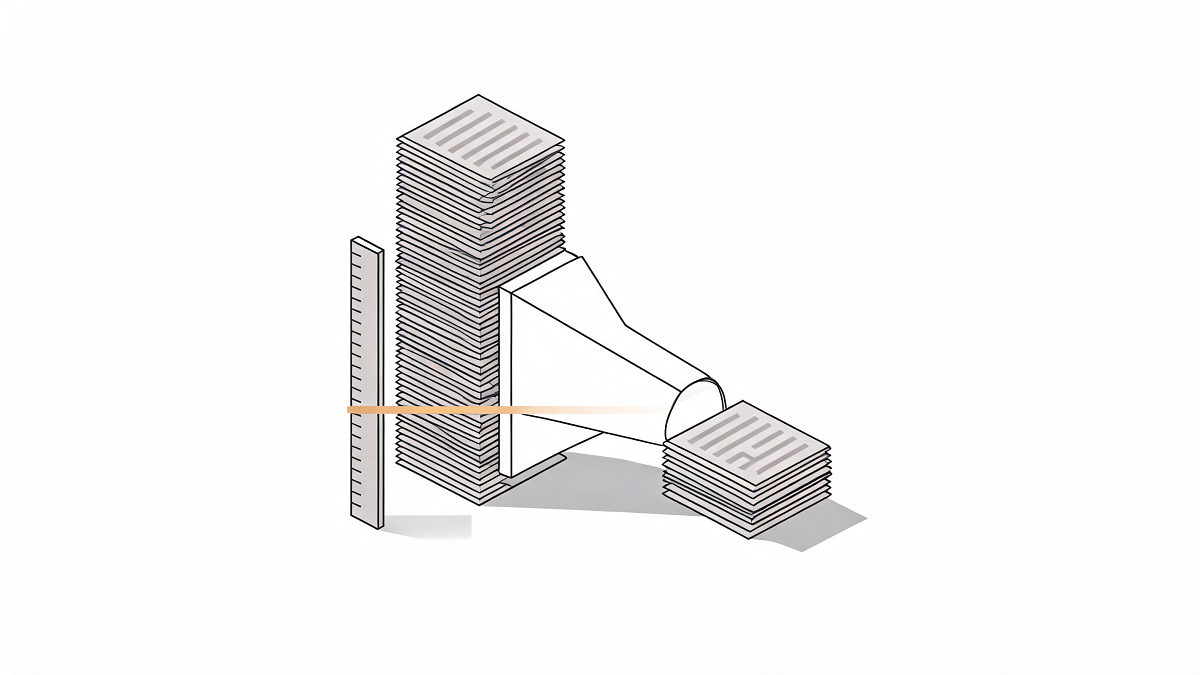
The specification states no size limit, and neither does any top ranking source for this query. The constraint is real anyway: the file gets read into a context window.
Work it out. OpenAI's help documentation puts common English text at roughly 4 characters per token, with one token covering about 75% of a word. An index line carrying a markdown link and a one sentence description runs about 120 characters. A 5,000 page site therefore emits 600,000 characters, roughly 150,000 tokens, or 75% of a 200,000 token window, for the index alone. The full text companion is worse: 5,000 pages at 900 words each is about 6,000,000 tokens.
Set a budget first, then rank into it. A 50,000 token cap gives you 200,000 characters, about 1,666 lines, or 33% of that site. A llms.txt Next.js App Router handler makes the ranking a function you can unit test, since the ordering lives in code. Rank on six criteria:
- Commercial intent. Pages a buyer reaches before contacting you outrank pages they reach afterwards.
- Organic traffic. Your top 200 pages by sessions already answer the questions people ask.
- Update recency. A page edited this quarter beats one untouched for three years.
- Canonical status. Exclude URLs that canonical elsewhere, since listing one teaches an agent the wrong address.
- Uniqueness. Programmatic pages built from a single template contribute one representative line.
- Depth. A 2,000 word reference page carries more answer per line than a 200 word stub.
The specification hands you a release valve: an H2 section titled Optional, whose URLs, in its own words, "can be skipped if a shorter context is needed". Put the second tier there. When the index itself will not fit, split llms-full.txt by section and keep the index pointing at the parts, a pattern we walk through on llms.txt on a ten thousand page site.
Headers: content type, caching, and what a crawler sees
Two headers decide whether any of the work above reaches anything. Set Content-Type to text/plain; charset=utf-8 explicitly on the Response, because the crawler decides how to treat the body from that header. Set Cache-Control so your CDN can hold the response: public, max-age=0, s-maxage=3600, stale-while-revalidate=86400 serves a cached copy instantly, refreshes it in the background, and holds the origin query rate flat regardless of crawler volume.
Google's Lighthouse agentic browsing audit checks the result. Chrome for Developers states that Lighthouse "flags the pages if a server error occurs when attempting to retrieve the llms.txt file", and that when the file returns a 404 "the audit is marked as Not Applicable (N/A), as providing the file is optional". The llms.txt Next.js App Router handler is a real request path, so it fails the way request paths fail. A 500 from an unhandled CMS timeout scores worse than shipping no file. Wrap the fetch and return the last known good body, or a minimal H1 and blockquote, before you let the handler throw.
Status codes, encoding and content type form their own subject, covered in the headers that matter.
Four llms.txt Next.js App Router delivery modes, compared
The choice comes down to how fast your content changes and whether a CMS query per request is acceptable at your crawler volume.
| Mode | Where it runs | Staleness after a CMS publish | Origin cost per request | Use when |
|---|---|---|---|---|
Static file in public/ | Build | Until the next deploy | None | The page set is fixed and hand written |
force-static with revalidate = false | Build | Until the next deploy | None | Your CMS fires a deploy hook on publish |
force-static with revalidate = 3600 | Build, then background | Up to 60 minutes | None on a cache hit | Most CMS backed sites |
Default GET handler since v15.0.0-RC | Every request | None | One CMS query | Small page sets with a high edit rate |
Rows two through four are the same llms.txt Next.js App Router file with different exports at the top, which is the practical argument for the handler: switching delivery mode is a two line edit. For the same comparison across other frameworks and hosts, see generation mechanisms compared.
How La Boétie ships the agent-facing layer
La Boétie treats the agent-facing surface as infrastructure the client owns and ships.
The llms.txt Generator. A self serve tool at $25 or 20 € a run, with no account and no call. It crawls the site, ranks the pages, and returns a spec-conformant llms.txt plus a full text companion, which is the body you paste into the handler above or serve directly.
Build work. A flexible team of about 5 to 6 engineers, multilingual and multi-timezone, ships the llms.txt Next.js App Router integration end to end. Client builds run across finance (france-epargne.fr), insurance (assurecompare.fr), legal (assuied-avocat.fr) and psychology (todopsy.fr), each with a different content model behind the same route handler pattern.
Ownership. Named after Étienne de La Boétie, who wrote his Discourse on Voluntary Servitude around 1548, the studio refuses vendor lock-in. Clients keep ownership of everything built, generation code included.
Run your domain through the llms.txt Generator and start from a ranked file.
FAQ: llms.txt on Next.js
Does the llms.txt Next.js App Router folder really include the file extension?
Yes. The App Router maps directory names to URL segments literally, so app/llms.txt/route.ts serves /llms.txt and the dot in the folder name gets no special treatment. An llms.txt Next.js App Router handler lives at that exact path. The same convention produces app/llms-full.txt/route.ts. Route Handlers have worked this way since Next.js v13.2.0, and the file must be named route.ts or route.js for the framework to register it.
Should I generate llms-full.txt at the same time?
Generate it when the whole corpus fits a usable context window. At OpenAI's rule of thumb of about 1,500 words per 2,048 tokens, a 500 page site averaging 900 words runs to roughly 600,000 tokens, past every mainstream model's window. Ship the index first, add the full file for a documentation subset where the reader benefits from one paste, and split it by section once it outgrows your stated budget.
Does a missing llms.txt fail the Chrome Lighthouse audit?
No. Chrome for Developers states that when the file is not found, "the audit is marked as Not Applicable (N/A), as providing the file is optional". Lighthouse flags the page when the server returns an error instead. Testing the agentic browsing category requires Chrome 150 or later, and that category reports a fractional score, a ratio of the agentic readiness checks a site passes, rather than a weighted 0 to 100 number.
Is a fully dynamic handler a performance problem?
It costs one CMS query per request, and crawler traffic arrives in bursts. Since v15.0.0-RC the default caching for GET route handlers is dynamic, so a handler exporting neither revalidate nor dynamic runs that query every time. Add force-static with a revalidate window, or a CDN s-maxage, and the origin serves one query per window however many agents fetch the file.
Conclusion
Three numbers decide the design: no revalidation, a revalidation window in seconds, or a query per request. Your publishing cadence picks one, and your page count decides what fits inside the file.
Write the handler at app/llms.txt/route.ts, set Content-Type to text/plain; charset=utf-8, rank your entries against a stated token budget, and move the second tier under the specification's Optional heading. An llms.txt Next.js App Router handler takes an afternoon, and it removes the failure mode where the page you published last month is invisible to every agent that reads your site.
Sources:
- File-system conventions: route.js : Next.js Documentation, 2026
- The /llms.txt file : llms-txt, 2024
- /llms.txt, a proposal to provide information to help LLMs use websites : Answer.AI, 2024
- llms.txt, Lighthouse agentic browsing audit : Chrome for Developers, 2026
- Lighthouse agentic browsing scoring : Chrome for Developers, 2026
- nuxt-llms module : Nuxt Modules, 2026
- Support for llms.js to dynamically generate llms.txt similar to robots.txt and sitemap.xml : GitHub, vercel/next.js Discussion #80692, 2025
- What are tokens and how to count them? : OpenAI Help Center, 2024
Questions
Does the llms.txt Next.js App Router folder really include the file extension?
Yes. The App Router maps directory names to URL segments literally, so app/llms.txt/route.ts serves /llms.txt and the dot in the folder name gets no special treatment. An llms.txt Next.js App Router handler lives at that exact path. The same convention produces app/llms-full.txt/route.ts. Route Handlers have worked this way since Next.js v13.2.0, and the file must be named route.ts or route.js for the framework to register it.
Should I generate llms-full.txt at the same time?
Generate it when the whole corpus fits a usable context window. At OpenAI's rule of thumb of about 1,500 words per 2,048 tokens, a 500 page site averaging 900 words runs to roughly 600,000 tokens, past every mainstream model's window. Ship the index first, add the full file for a documentation subset where the reader benefits from one paste, and split it by section once it outgrows your stated budget.
Does a missing llms.txt fail the Chrome Lighthouse audit?
No. Chrome for Developers states that when the file is not found, the audit is marked as Not Applicable (N/A), as providing the file is optional. Lighthouse flags the page when the server returns an error instead. Testing the agentic browsing category requires Chrome 150 or later, and that category reports a fractional score, a ratio of the agentic readiness checks a site passes, rather than a weighted 0 to 100 number.
Is a fully dynamic handler a performance problem?
It costs one CMS query per request, and crawler traffic arrives in bursts. Since v15.0.0-RC the default caching for GET route handlers is dynamic, so a handler exporting neither revalidate nor dynamic runs that query every time. Add force-static with a revalidate window, or a CDN s-maxage, and the origin serves one query per window however many agents fetch the file.